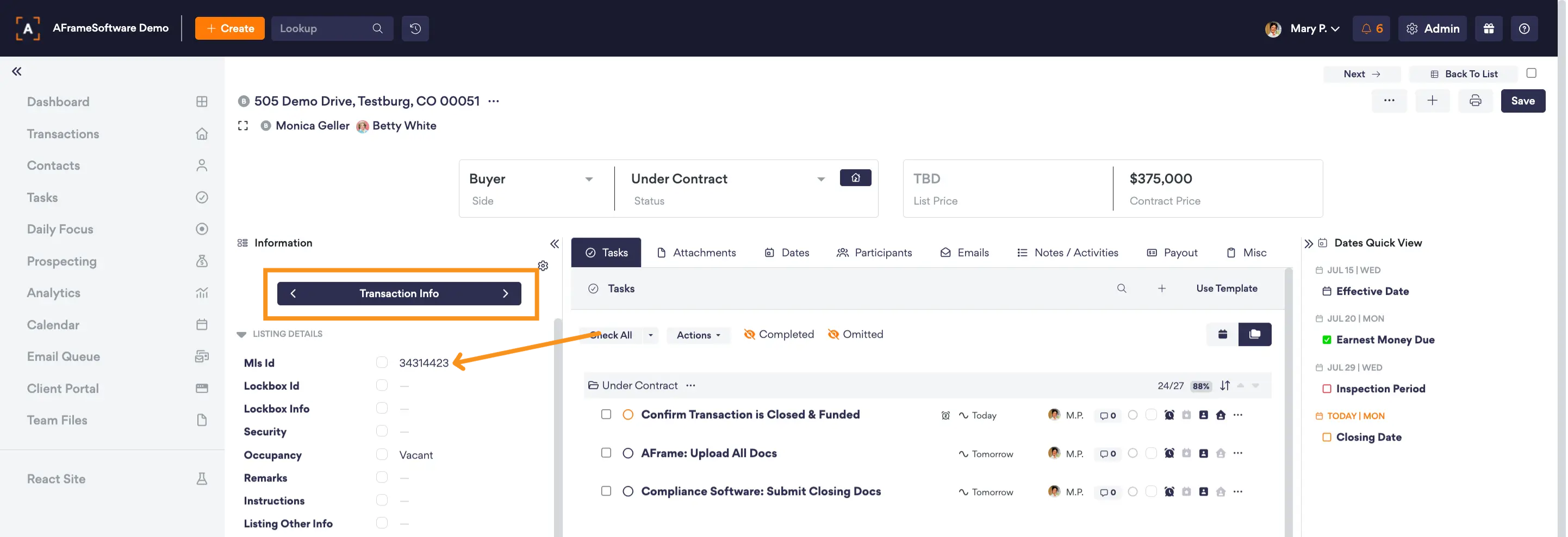
If showing information is not populating under your notes/activity tab, then please check that you have your MLS ID number entered & correct. This is vital to make the connection in the integration. The ShowingTime emails will be received into AFrame but if there is no matching MLS ID number, then the emails will remain on our servers until the MLS ID number is entered/correct.
Upon the MLS ID number being entered, if any emails were received from ShowingTime during the broken connection period, then our system will run a script twice a day to push the ShowingTime emails to their correct transactions.
TABLE OF CONTENTS
Related Resources
Articles
Input MLS IDs for all Transactions
Make sure all of your AFrame Transactions have the MLS ID correctly entered under the Information Sidebar → Transaction Info Collection.