
When it comes to terminating a transaction it can be a complex process that requires careful attention to detail. AFrame is here to ensure it does not have to be within our program. In this guide, we'll show you the easiest way to terminate both buyer and seller-side transactions.
Termination Process
- Open the transaction you need to terminate.
- Change the transaction status to "Fell Apart". Select the Terminate Contract option. (or you can use the ... more actions menu in the top right corner)
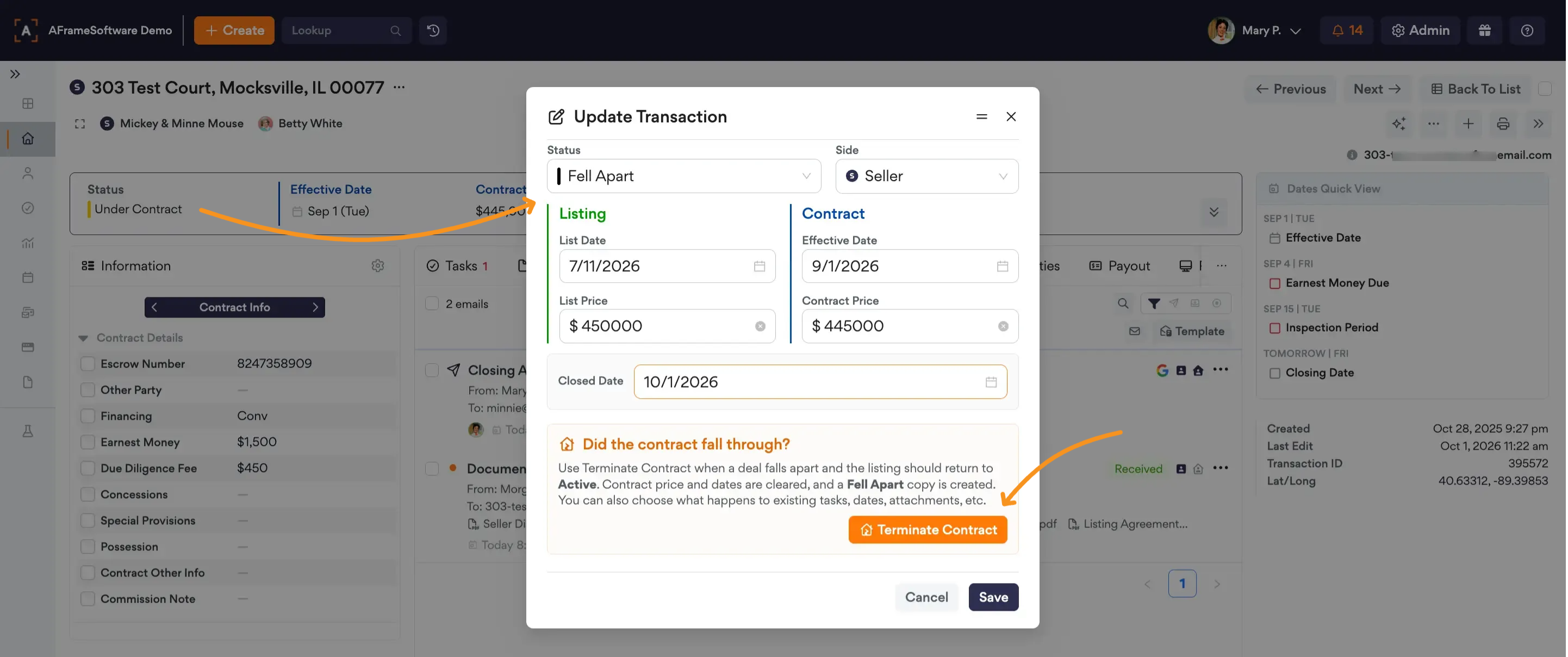
- Buyer Sided Transactions: Option to delete incomplete tasks
Seller Sided Transactions: AFrame will duplicate the transaction & mark it as "Fell Apart" while keeping the original set back to "Active". In every tab, you can decide to keep, move, copy, or delete the information between the two copies of the transaction.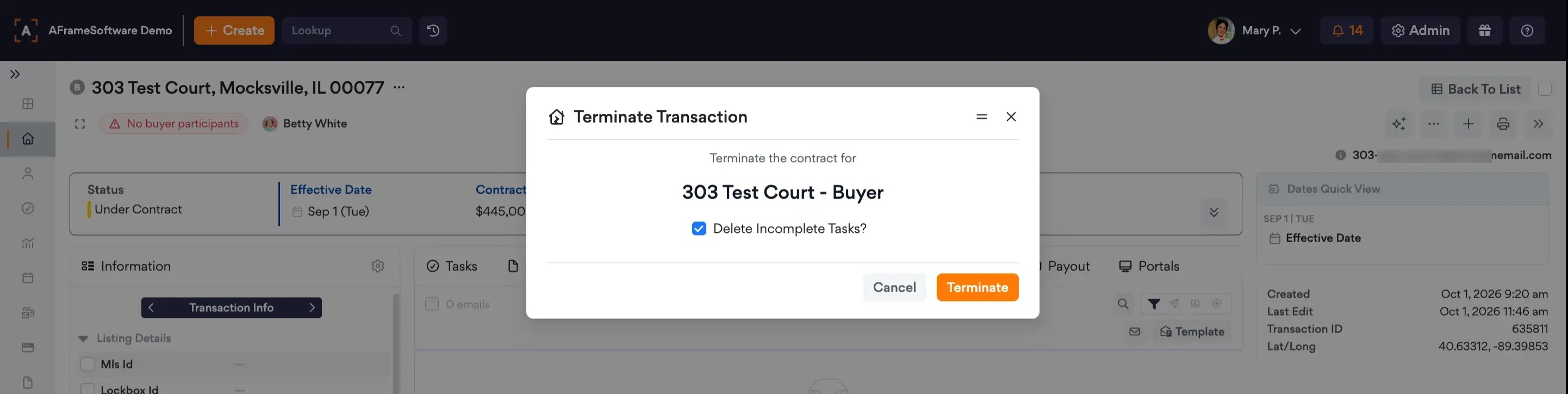
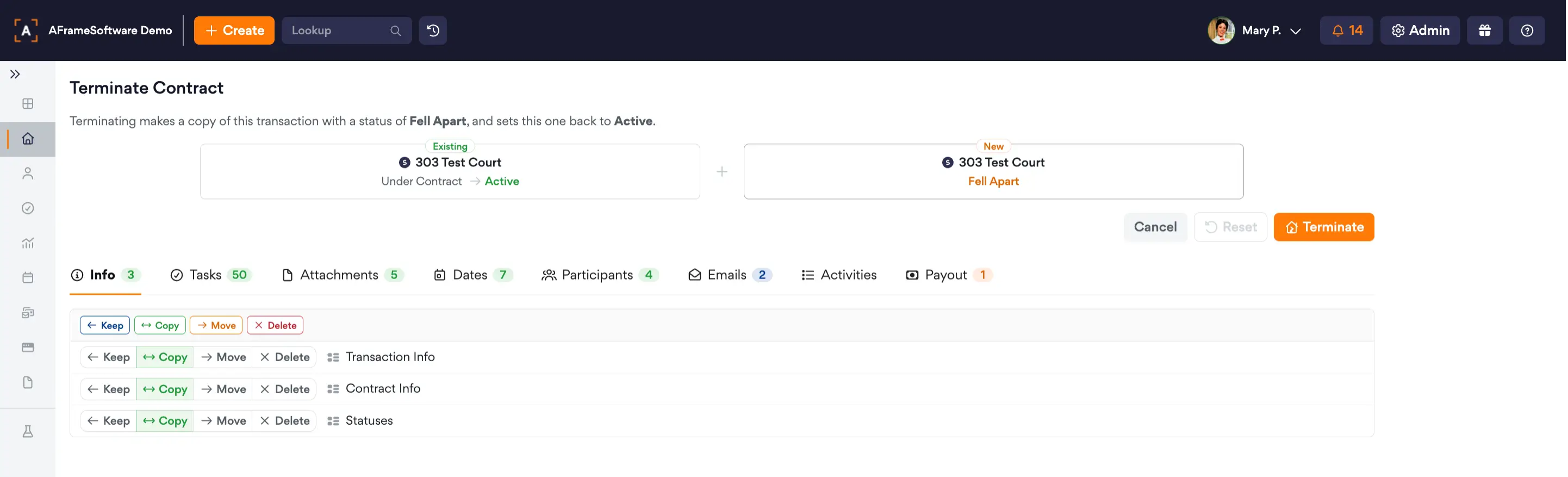
- Confirm you want to complete this termination by clicking Terminate.
If you have already changed the status, but want the option of using the termination process, then simply change the status back to "Under Contract" → Delete closed date → Save and follow the steps above.